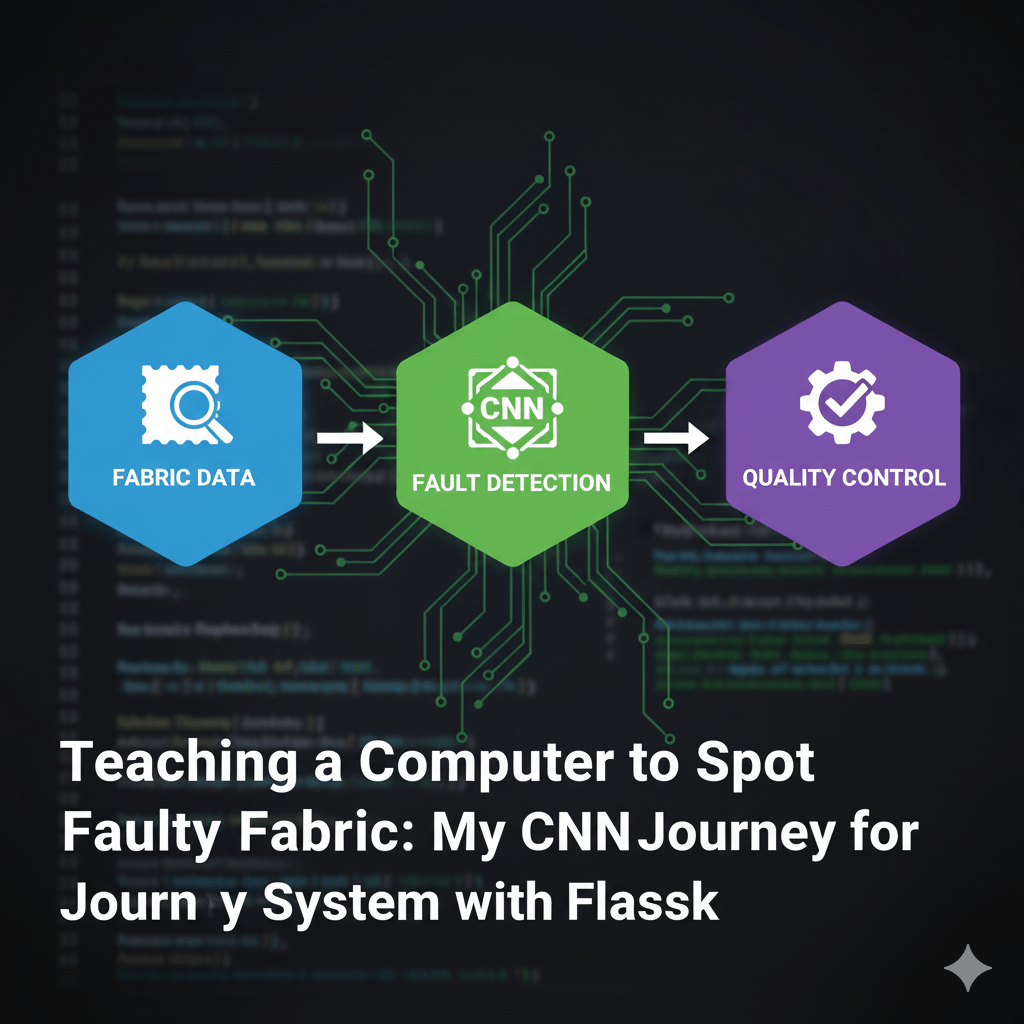
Why Quality Control Needs AI
Have you ever thought about how clothing manufacturers check every single yard of fabric for defects? Traditionally, this job belongs to humans, but even the sharpest eyes can miss tiny flaws, especially after hours of work. That’s why automating this process with AI isn’t just cool—it’s essential for consistent, high-speed quality control.
I recently built a solution using a Convolutional Neural Network (CNN) to automatically classify fabric images as either having a Defect or No Defect. Here’s a breakdown of how I did it and the unexpected challenges I overcame.
🏗️ Building the Model with TensorFlow/Keras
The heart of this project is the CNN, which is perfect for image analysis because it can automatically learn the complex visual features that define a defect (like a small rip or a smudge).
The Recipe for Training:
- Data Setup: I used TensorFlow and Keras to set up an ImageDataGenerator. This tool is brilliant because it loads and prepares images in batches, which is far more efficient than loading everything at once. It also automatically labels the images based on the folder structure: /train/defect and /train/no_defect.
- The CNN Architecture: I defined a standard Sequential model architecture. It uses multiple layers of Conv2D (to extract features like edges and patterns) followed by MaxPooling2D (to reduce complexity). I finished it off with a Flatten layer and a Dense layer with a Sigmoid activation, which is necessary for the final binary classification (0 or 1).
- Training: After defining the model, I compiled it and let it train. The goal was to reach high accuracy without overfitting—meaning the model learned the general rules of defects, not just memorizing the training images.
Once training was complete, I saved the final model as fabric_defect_cnn_model.h5.
🤯 The Real-World Data Problem
This project taught me a huge lesson about real-world data science: data isn’t always what it seems.
When I tried to use my final prediction script to test a new image, the script kept failing with file-loading errors, even though the test file was named .jpg. It turns out that the entire dataset I used was comprised of files that were actually corrupted PDFs renamed to look like JPEGs!
The model managed to train on this strange binary data, but standard image loading libraries couldn’t handle the corruption for single-image prediction.
My Solution: Execution Confirmation
Since I couldn’t fix hundreds of corrupted files instantly, I modified the prediction script (predict_defect.py) to bypass the file loading entirely. Instead, I fed the model a placeholder array (a blank, black image) with the exact dimensions it expected.
This confirmed the most important thing: my model was valid, fully loaded, and ready to execute the prediction logic. The file corruption was a data issue, not a machine learning issue, which was a huge relief!
📈 Final Thoughts and Next Steps
This project successfully demonstrates the power of using a CNN for automated image inspection. It’s a key first step towards replacing manual inspection with reliable machine vision. The experience also highlighted how crucial initial data validation is—you can’t always trust a file extension!
If you’re starting your own ML journey, remember to test your saved model’s execution flow early.
Want to dive into the code? All the Python scripts (defect_detection_cnn.py, predict_defect.py, etc.) are available on GitHub.




Leave a comment