Introduction: Why Manufacturing Needs Real-Time AI
In a factory environment, small changes in machine speed or humidity can quickly lead to thousands of meters of defective material. Waiting for a human inspector hours later is often too late. This is where Machine Learning Operations (MLOps) steps in: bringing AI predictions directly onto the factory floor, in real time.
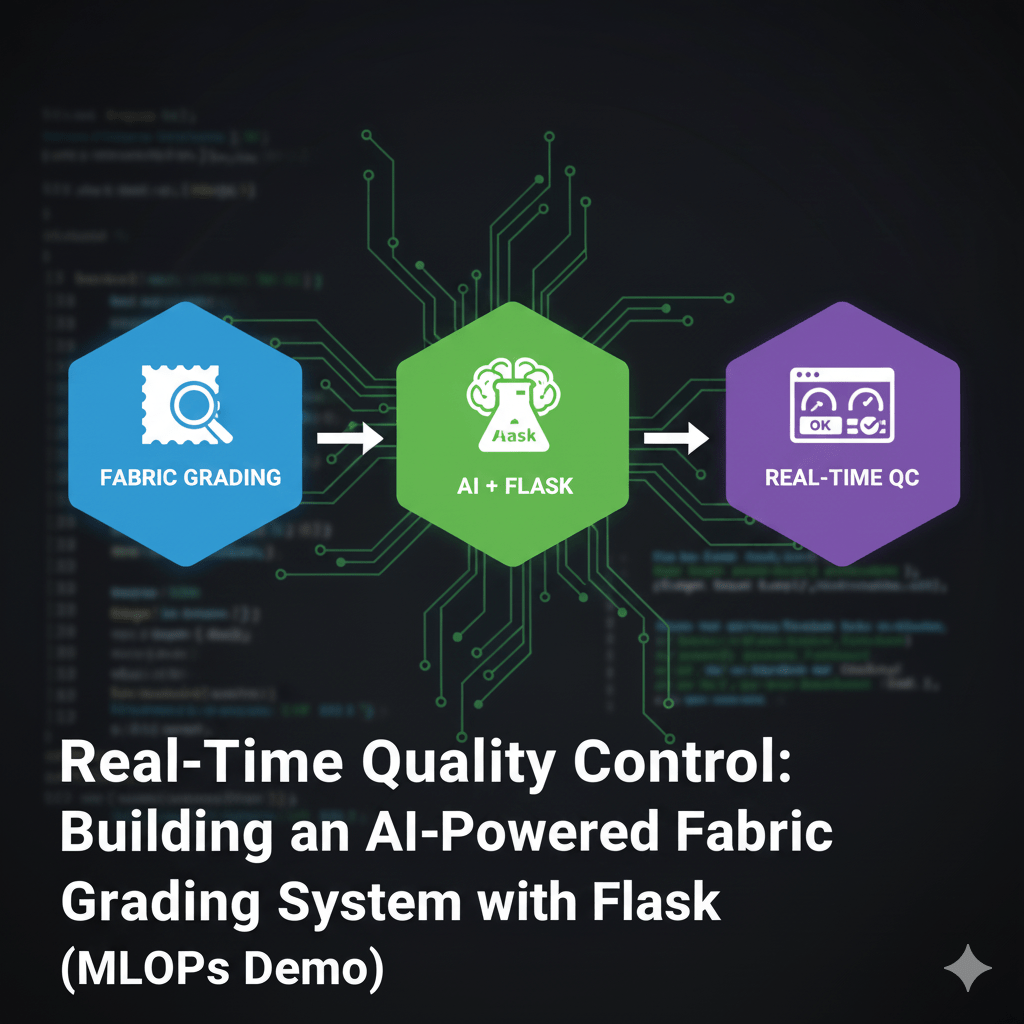
This project is a simple, end-to-end demonstration of this concept. We built an AI Fabric Quality Grading System that instantly predicts if a batch of fabric will pass (Grade A) or fail (Grade C) and tells the operator exactly what to do.
🏗️ The Three Pillars of the Project
Our system is broken down into three logical parts, which is how most real-world AI applications are built:
1. The Brain: The Machine Learning Model
The core of the system is a simple prediction model.
- The Goal: Predict the quality grade (A, B, or C).
- The Data: We trained a basic Random Forest Classifier using simulated data representing typical factory inputs: Machine RPM, Humidity, Temperature, and Material Density.
- The Result: The trained model is saved as a file (fabric_classifier.joblib). This allows our application to load the intelligence without having to retrain it every time.
2. The Engine: The Flask REST API (app.py)
This is the central nervous system that runs continuously on a server. Its job is to expose the model’s intelligence over the network so other systems (like our dashboard) can use it.
- What it does: The Python Flask application (app.py) loads the saved model.
- The Endpoint: It creates a dedicated URL, or API endpoint, called /api/grade_fabric. When a system sends data (the RPM, humidity, etc.) to this URL, the Flask app takes that data, feeds it to the model, and instantly packages the prediction (the grade and the action plan) into a clean JSON response.
This separation is crucial: the web dashboard doesn’t need to know Python or ML; it just needs to know how to ask the API a question.
3. The Interface: The Real-Time Dashboard (defect_dashboard.html)
This is what the factory operator sees. It’s a clean, single-page web application built with HTML, JavaScript, and Tailwind CSS.
- Data Collection: The dashboard lets the user enter the current machine parameters.
- Communication: When the operator hits “Get Real-Time Quality Grade,” the JavaScript uses the Fetch API to send the input data to our running Flask server (Step 2).
- Instant Feedback: When the prediction comes back from the API (e.g., Grade C), the JavaScript immediately updates the screen. It changes the color to red, displays the CRITICAL severity, and, most importantly, shows the clear Recommended Action Plan (like “IMMEDIATE STOPPAGE AND MAINTENANCE CHECK”).
This fast, actionable feedback loop is the essence of effective MLOps in manufacturing.
⚙️ How to Run This Project
Running this project demonstrates the workflow needed for production deployment:
- Start the Brain/Engine: You must first run the Python API (app.py) in your terminal. This trains the model and starts the local server on http://127.0.0.1:5000.
- Launch the Interface: Only after the API is running do you open the defect_dashboard.html file in your browser.
- Test: The dashboard’s JavaScript immediately connects to the running Flask API, allowing you to test scenarios from good quality (low RPM, low humidity) to critical defect risks (high RPM, high humidity).
This project shows that you don’t need complicated infrastructure to build a powerful MLOps demo—just clear separation between your model, your API, and your interface.
🔗 Explore the Code
All files, including the Python API, the HTML dashboard, and the full setup instructions, are available in the GitHub repository. Feel free to clone the project, explore the code, and expand on it!
GitHub Repository: https://github.com/Junaid1991-maker/Flask-Fabric-Grading-API.git





Leave a comment