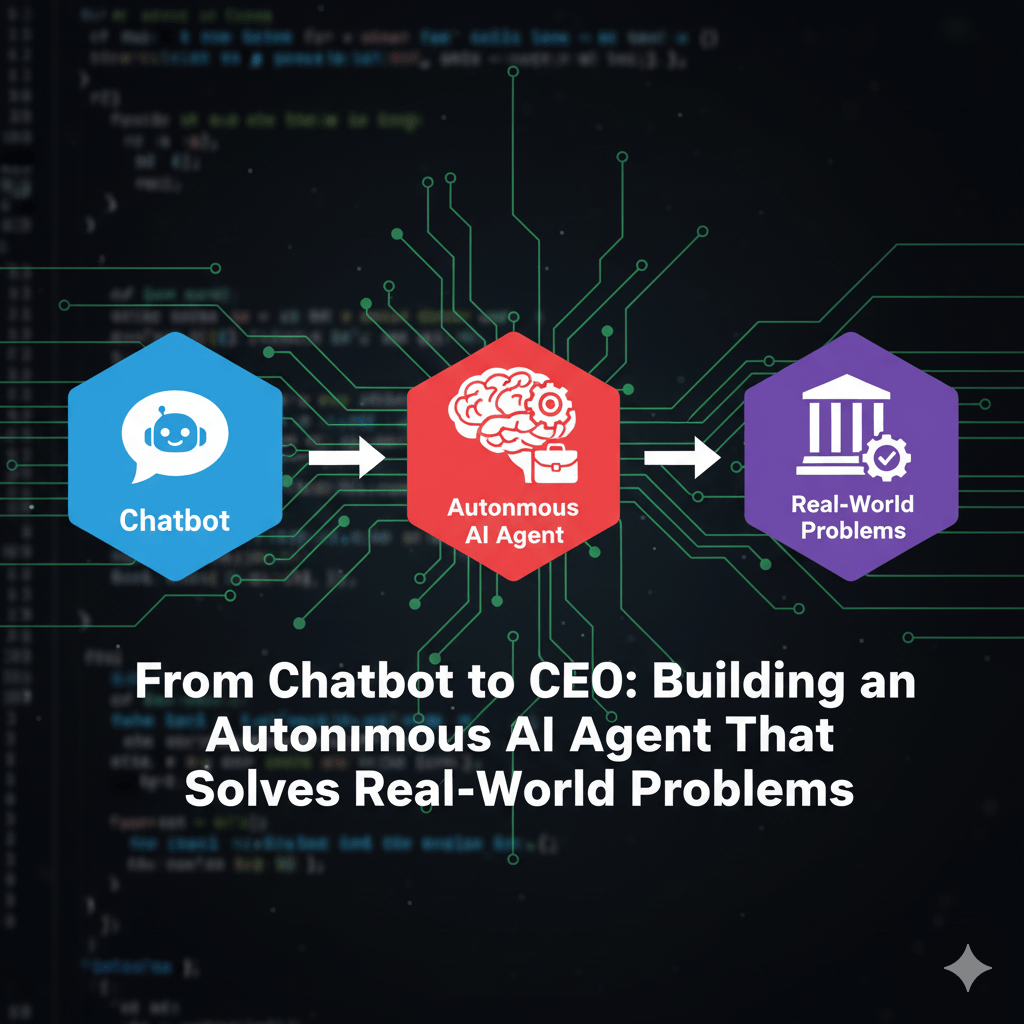
Ever feel like all the AI talk is just about chatbots? While chatting is cool, the real game-changer in Data Science right now is the concept of the Autonomous AI Agent.
I recently completed a project—an Agentic QMS Orchestrator—that shows exactly how we can build an AI that doesn’t just answer questions but performs tasks by talking to multiple systems. Think of it as a virtual CEO that can see a problem, call the right departments, gather all the data, and write the official action plan, all by itself.
Ready to see how we transform a Large Language Model (LLM) into a multi-talented operative? Let’s dive in.
The Old Way: Dumb Systems and Slow Humans
Imagine a manufacturing floor. A sensor flags a defect, say, an “Oil Stain.” What happens next?
- System 1 (Vision): The defect image is classified by a computer vision model. Result: “Oil Stain, Medium Severity.”
- System 2 (QMS): A human engineer then has to open the Quality Management System (QMS) database. They search for “Oil Stain” and pull up historical fixes.
- Human Analysis: The engineer reads the vision report and historical notes, then manually drafts an official Corrective Action Plan (CAP).
This is slow, prone to human error, and costs money every minute the machine is down. This is where the AI Agent steps in.
🧠 The Agent Workflow: Orchestration is Key
Our Agent’s power comes from Orchestration—the ability to act as a central brain that delegates tasks to specialized tools. We used a modern LLM (like Gemini) and gave it access to two Python functions (which simulate real production APIs):
Step 1: The Alert Arrives
The agent starts when it receives an alert—a new defect event, including sensor data and an image URL.
Step 2: Agent Calls Tool #1 (The Eyes)
The LLM determines that to understand the problem, it must first get the definitive defect classification.
- Tool:
VisionClassification.classify_image(image_url) - The LLM’s Question: “What is the defect type and severity for this image?”
- The Tool’s Answer: A structured response:
{ "Defect_Type": "Oil Stain", "Severity": "Medium" }
Step 3: Agent Calls Tool #2 (The Memory)
Now knowing it’s an “Oil Stain,” the LLM recognizes that historical data is crucial to finding the root cause.
- Tool:
QMSHistoricalRetrieval.retrieve_historical_caps("Oil Stain") - The LLM’s Question: “What did we do last time to fix ‘Oil Stain’?”
- The Tool’s Answer: A string containing relevant historical incident details (e.g., “Root Cause: Lubrication pressure too high. Action: Decreased pressure to 12 PSI.”).
Step 4: Final Synthesis & Structured Output
The Agent now has the complete context:
- Real-time Sensor Data
- Vision Classification Result
- Historical Fixes (The “Institutional Knowledge”)
It sends all three pieces of information back to the LLM core, but with one critical instruction: “Use this data to generate the final Corrective Action Plan in a strict JSON format.”
The LLM doesn’t have to go search the web; it just processes the data we gave it and outputs the official, auditable CAP in the required format. The problem is solved autonomously!
💻 Technical Takeaway: Why Function Calling is a Superpower
If you’re interested in Data Science and MLOps, here’s the magic ingredient: Function Calling (sometimes called Tool Use).
It’s the mechanism that allows the LLM to pause its thought process and say, “Wait, I need to call that VisionClassification function first, get the result, and then continue my reasoning.” This transforms the LLM from a passive text generator into an active coordinator of a multi-system workflow.
Building this project was a huge lesson in:
- Orchestration Logic (Deciding which tool to call and when).
- Structured Output (Forcing the LLM to return valid JSON, not just text).
- Real-World Integration (Simulating connections to production APIs).
Want to try building something similar and see the power of LLM agents? This is a skill set that is absolutely critical in 2025 and beyond. Don’t forget that you can join one of my 2 free demo classes to start building practical AI solutions like this!
Explore the Code and Build It Yourself!
The entire project code, including the FastAPI setup, the mock tool classes, and the Agent logic, is available on GitHub.
Repository Link: https://github.com/Junaid1991-maker/Agentic-QMS-Orchestrator
Go check it out, clone it, and start experimenting with building your own Autonomous AI Agent!





Leave a comment